


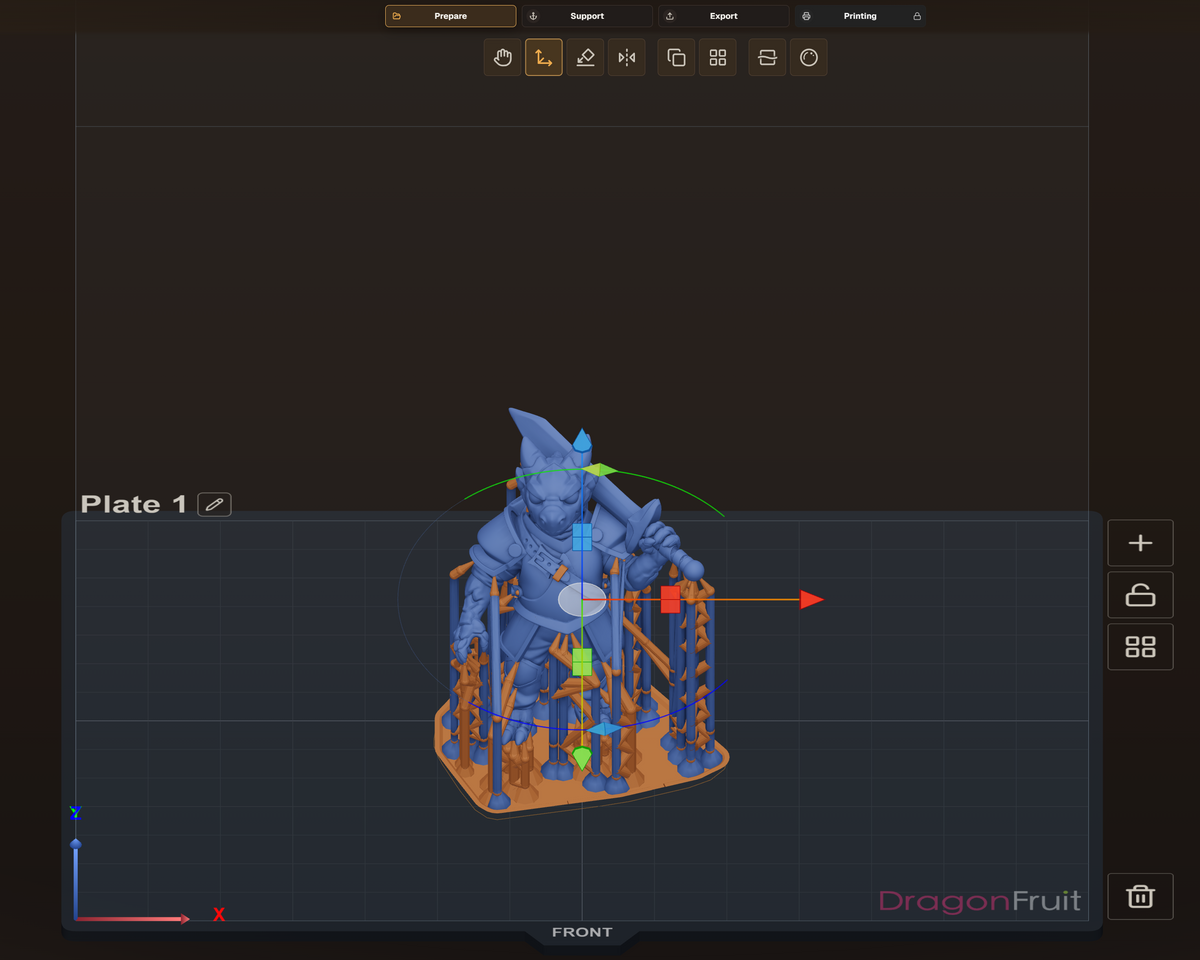

DragonFruit Slicer
Prepare models, add supports, review slices, and explore an open-source resin printing workflow with DragonFruit Slicer, developed by the Open Resin Alliance.
Prepare, support, slice
The current project combines model tools with a growing printer and file-format plugin ecosystem.

Interactive workspace
Inspect, arrange, transform, and prepare models in a 3D workspace.

Supports and analysis
Author supports, review islands, and work through model preparation before slicing.

Open integrations
Printer and file-format support is built through separately licensed plugins.


Make DragonFruit feel like Concepts 3D
After installing DragonFruit, open Settings → Themes → Theme Presets (shown as UI & Theme in some builds) and select the Concepts 3D theme. This applies the familiar dark interface with Athena-inspired gold accents featured in our screenshots.
The appearance preset is optional and does not change printer calibration or slicing settings.
DragonFruit and Athena II
DragonFruit provides printer and material profiles for supported workflows, including Athena II configurations shown in its printer profiles interface. Choose the Athena II configuration that matches your hardware and tune the material settings for your resin.
DragonFruit is an independent Open Resin Alliance project. Concepts 3D supports the development of open resin-printing tools.
Start with the current guidance
Official resources for installation, first prints and project feedback.
Install a suitable release
Follow the official installation guide to download and set up DragonFruit for your operating system.
Follow the quick start
Choose the correct Athena II printer and resin profile, prepare and support a model, then review the sliced layer preview before exporting or uploading a job.
Report an issue
Review existing bug reports and compatibility discussions in GitHub Issues. Check the repository's current contribution instructions for how new reports are accepted.
OPEN SOURCE · GIT · GITHUB
Choose the right release
DragonFruit is developed in the open by the Open Resin Alliance. Its Git source code, change history, and downloadable releases are hosted on GitHub, where you can also review changes and contribute.
For the latest recommended version, start at the official DragonFruit website. GitHub releases let you compare versions and read release notes. Features, printer support, and plugins can differ between builds, so check compatibility and validate a first print before relying on a new release.